Authentication
Jarvis uses three authentication patterns depending on who is communicating with whom.
1. Node Authentication
Pi Zero nodes authenticate to services using an API key:
The receiving service forwards these credentials to jarvis-auth for validation.
sequenceDiagram
    participant N as Node
    participant S as Service
    participant A as Auth Service

    N->>S: Request + X-API-Key: node_id:api_key
    S->>A: POST /internal/validate-node
    A-->>S: {valid: true, node_id, household_id}
    S-->>N: Response
Node Registration
Nodes are registered via the admin API during provisioning:
python utils/authorize_node.py \
  --cc-key <admin_key> \
  --household-id <uuid> \
  --room office \
  --name dev-mac \
  --update-config config.json
This generates a unique node_id and api_key pair, stores them in the auth database, and optionally writes them to the node's config file.
2. App-to-App Authentication
Backend services authenticate to each other using app credentials:
sequenceDiagram
    participant CC as Command Center
    participant A as Auth Service

    CC->>A: Request + X-Jarvis-App-Id + X-Jarvis-App-Key
    A->>A: Validate credentials
    A-->>CC: Response
App credentials are generated during ./jarvis init and stored in each service's .env file. Each service has its own unique app ID and key pair.
Which Services Use App-to-App Auth
Most inter-service communication uses this pattern:
- Command Center to Auth, Whisper, TTS, Notifications
- OCR Service to Auth
- Recipes Server to Auth, OCR Service
- Logs to Auth (for validating incoming log requests)
- Config Service to Auth
3. User Authentication (JWT)
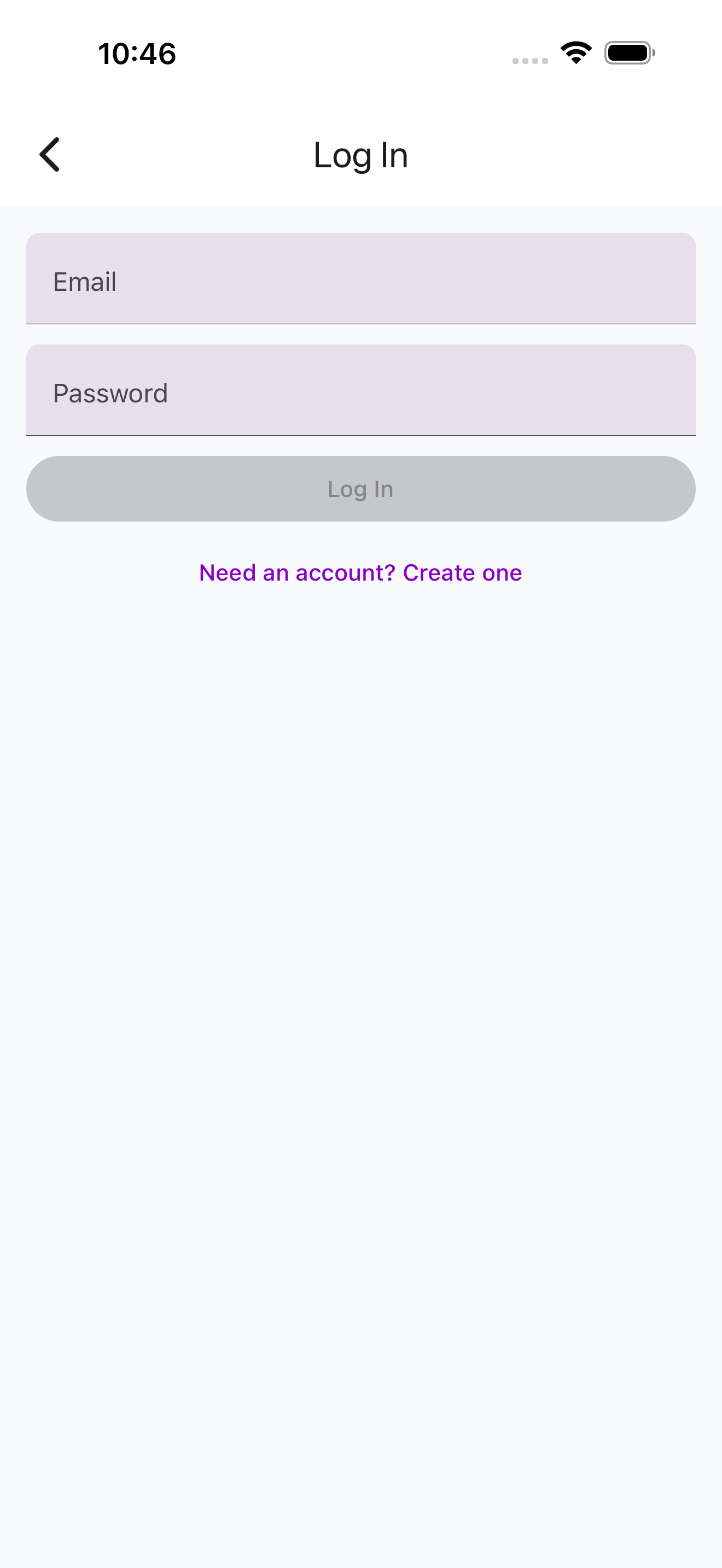
Human users (admin UI, mobile app) authenticate with JWT tokens:
Login Flow
sequenceDiagram
    participant U as User
    participant A as Auth Service
    participant DB as PostgreSQL

    U->>A: POST /auth/login {email, password}
    A->>DB: Verify credentials
    A-->>U: {access_token, refresh_token}
    U->>A: GET /protected + Bearer access_token
    A-->>U: Response
Token Lifecycle
- Access tokens are short-lived JWTs (configurable expiry)
- Refresh tokens are long-lived, stored as hashed values in PostgreSQL
- When an access token expires, the client uses the refresh token to obtain a new pair
- Logout invalidates the refresh token server-side
Token Refresh
curl -X POST http://localhost:7701/auth/refresh \
  -d '{"refresh_token": "<refresh_token>"}'
# Returns: {access_token, refresh_token}
4. Admin Authentication
Administrative endpoints (service management, node registration) use a static admin key:
The admin key is set via the ADMIN_API_KEY environment variable on each service that exposes admin endpoints.
Auth Flow Summary
| Who | What | Pattern | Headers |
|---|---|---|---|
| Node | Service | API Key | X-API-Key: node_id:api_key |
| Service | Service | App-to-App | X-Jarvis-App-Id + X-Jarvis-App-Key |
| User | Service | JWT Bearer | Authorization: Bearer <token> |
| Admin | Service | Admin Key | X-Admin-Key: <admin_api_key> |
Security Notes
- All secrets are stored in
.envfiles which are gitignored - Passwords are hashed before storage (never stored in plaintext)
- Refresh tokens are stored as hashed values in PostgreSQL
- App-to-app credentials are unique per service pair
- Node API keys are generated with cryptographic randomness during registration